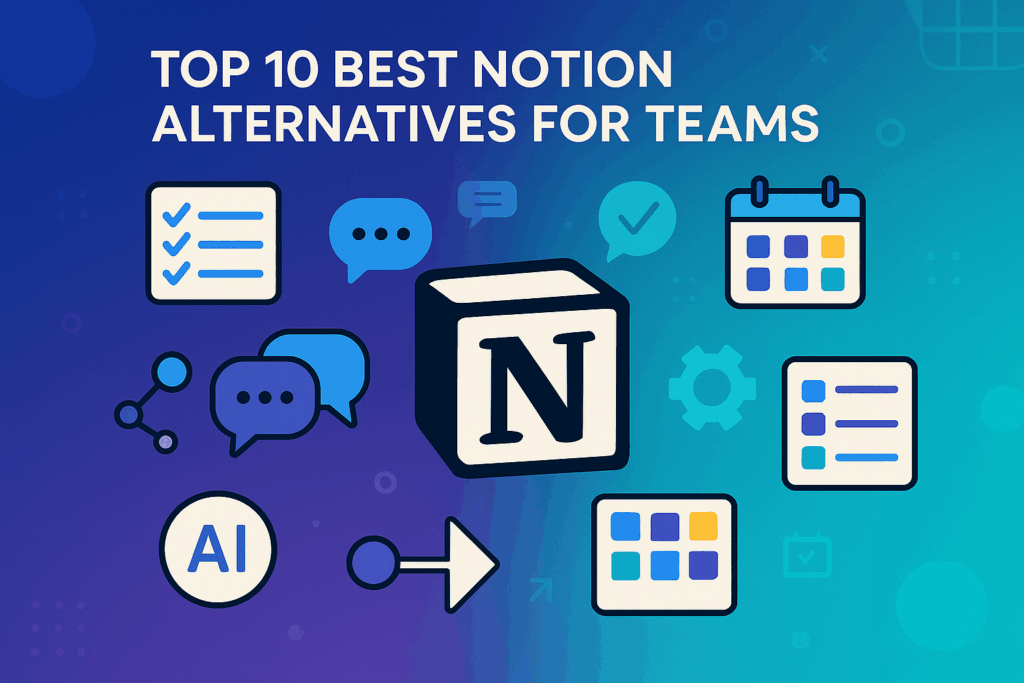
Notion has grown into one of the most popular productivity and collaboration apps. It brings notes, documents, databases, and task management into a single workspace. Still, many teams search for Notion alternatives in 2025. Why? Because some want simpler tools, while others need advanced project planning, affordable pricing, or open-source flexibility.
If you are exploring alternatives to Notion for team collaboration, project management, or personal productivity, this guide will help. We researched and tested different Notion competitors to give you the 10 best Notion alternatives in 2025. Whether you’re a student, a small business, or a large team, you’ll find a tool that fits your needs.
Why People Are Moving Away from Notion in 2025
1. Over-Customization Fatigue
Notion’s endless flexibility often backfires. Many users end up spending more time building dashboards than actually getting work done. People increasingly prefer tools that guide productivity rather than ones they have to design from scratch.
2. Sluggish Performance
Large pages and heavy workspaces still slow Notion down—especially on mobile or with weak internet. For busy teams, that lag is a major frustration.
3. Weak Offline Support
Notion’s offline mode remains unreliable. Professionals who travel or need distraction-free focus often find this limitation unacceptable.
4. Behind on AI and Automation
Competitors are embedding AI directly into workflows, while Notion’s AI feels more like an add-on. In a productivity market racing toward automation, that gap is noticeable.
Best Notion Alternatives in 2025 – Categorized by Use Case
Notion is versatile, but it isn’t perfect for everyone. Some teams need stronger project management, others want privacy, and many prefer simpler tools. Below are the top 10 Notion alternatives in 2025, each designed for specific workflows and team needs.
1. ClickUp
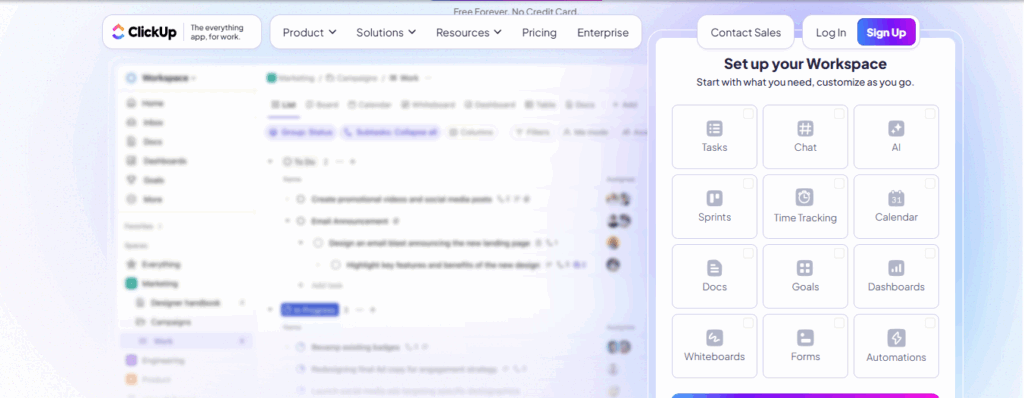
ClickUp is a complete project management and productivity platform that centralizes tasks, docs, dashboards, and goals. It’s designed for teams that want efficiency without spending time building custom systems.
Why it’s better than Notion:
Unlike Notion, which requires manual setup, ClickUp offers ready-to-use project views, automation, and time tracking out of the box.
Key Features:
- Multiple project views (List, Board, Gantt, Calendar)
- Built-in time tracking
- Real-time docs and wikis
- Automation tools
- Integrations with Zoom, Slack, Google Workspace
Ideal Use Case: Teams, agencies, consultants, and companies managing large projects.
Pricing: Free plan available; paid plans start at $7/user/month.
Read Also: Top 7 ClickUp Alternatives for Project Management
2. Obsidian
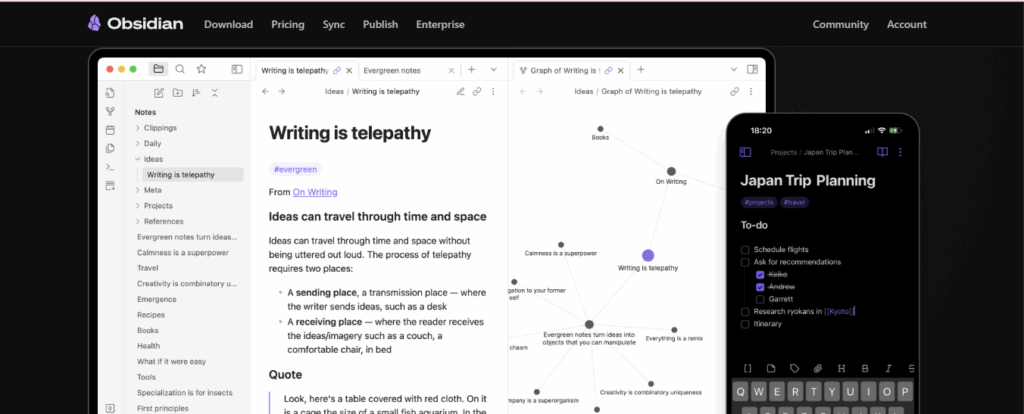
Obsidian is a Markdown-based knowledge base tool ideal for writers, researchers, and students. It runs locally and gives users full control of their notes.
Why it’s better than Notion:
Obsidian works offline, stores content locally, and offers a graph view for connecting ideas—making it perfect for deep thinking.
Key Features:
- Markdown note-taking
- Backlinks and graph view
- Plugin ecosystem for customization
- Privacy-first, no forced cloud sync
Ideal Use Case: Writers, researchers, students, personal knowledge management.
Pricing: Free for personal use, optional license for commercial use.
3. Evernote
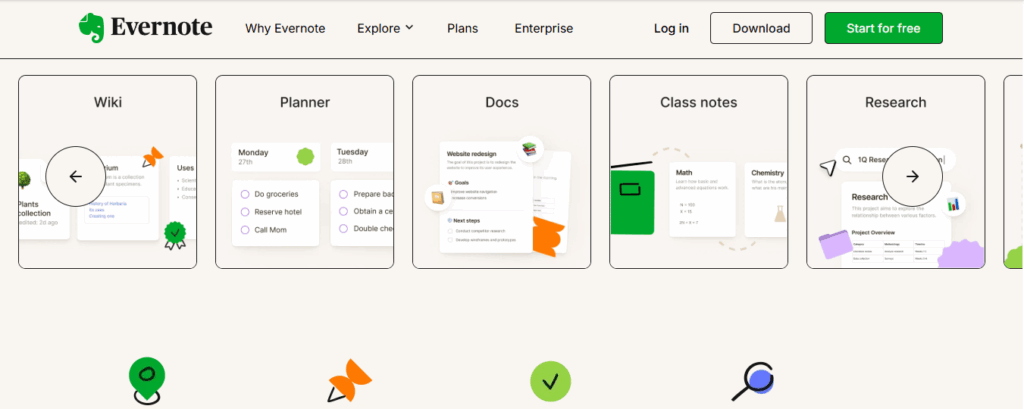
Evernote is a long-standing note-taking app that remains popular for its simplicity and reliability.
Why it’s better than Notion:
It requires no setup. You open it, start typing, and organize with notebooks and tags.
Key Features:
- Notebooks, tags, and folders
- Web clipper for saving online content
- Quick capture from mobile or desktop
- Voice notes and reminders
Ideal Use Case: General-purpose note-taking, idea capture, and organization.
Pricing: Free basic plan; Premium starts at $7.99/month.
4. Coda
Coda is a document and spreadsheet hybrid designed for teams that need more logic and automation inside their docs.
Why it’s better than Notion:
Coda provides formulas, buttons, and advanced automations, making it stronger for operations, product teams, and financial planning.
Key Features:
- Smart tables with formulas
- Automations and custom buttons
- Packs (third-party integrations)
- Ready-made workflow templates
Ideal Use Case: Product managers, operations teams, finance-heavy workflows.
Pricing: Free plan available; Pro starts at $10/month.
5. Joplin
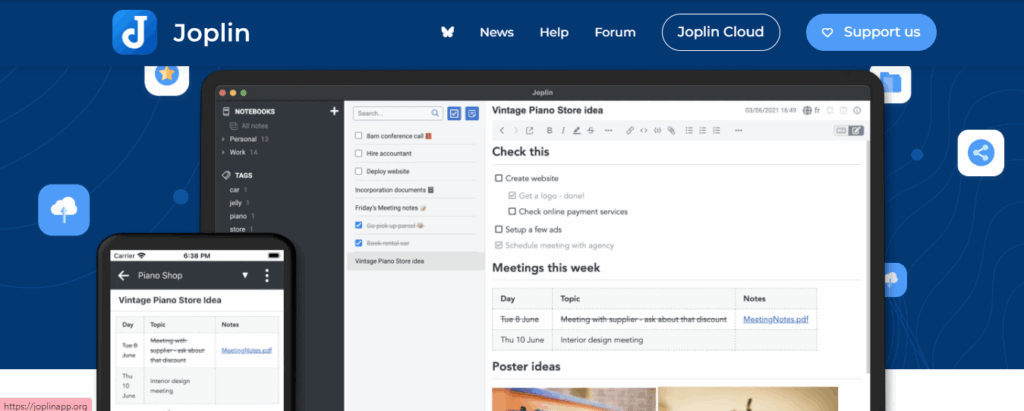
Joplin is an open-source note-taking app built for privacy and offline use. It’s simple, lightweight, and flexible.
Why it’s better than Notion:
With end-to-end encryption and offline-first support, Joplin gives users full control of their data without relying on the cloud.
Key Features:
- Markdown editor
- Encryption for security
- Sync with Dropbox, Nextcloud
- Web clipper and mobile apps
Ideal Use Case: Developers, students, privacy-conscious users.
Pricing: Completely free and open source.
6. Tana – Best AI-Powered Notion Alternative
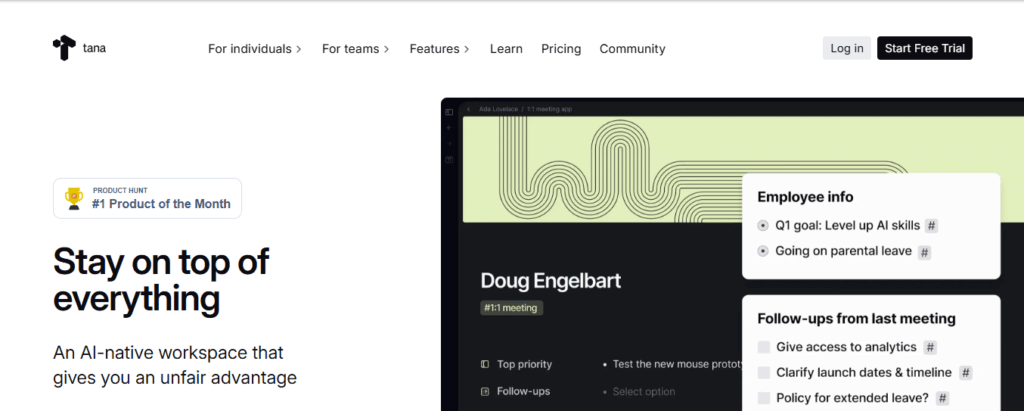
Tana is a new AI-first workspace tool designed to act like a second brain, connecting information automatically.
Why it’s better than Notion:
Instead of manual setup, Tana uses AI to suggest relationships and tag content, making workflows more dynamic.
Key Features:
- AI-powered tagging and linking
- Knowledge graph view
- Built-in daily journaling
- Command bar for quick capture
Ideal Use Case: Knowledge workers, researchers, productivity enthusiasts.
Pricing: Currently in beta, pricing to be announced.
Read Also: How AI for Small Business Growth Can Help in 2025
7. Microsoft OneNote
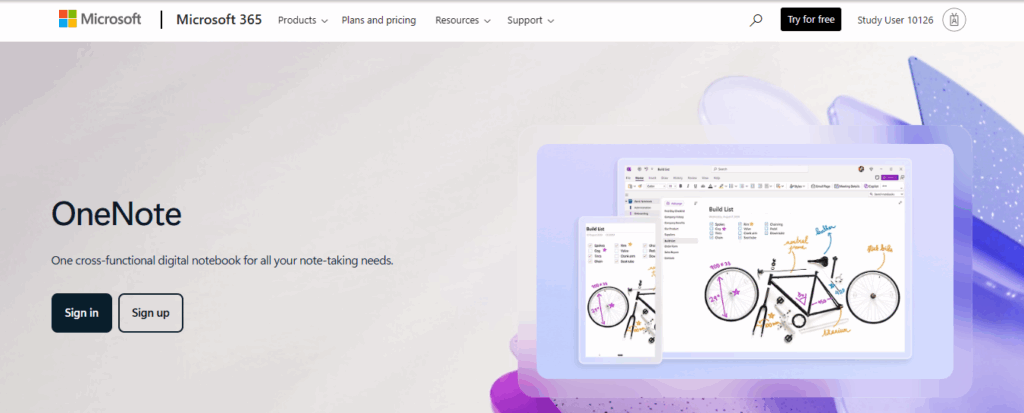
OneNote is Microsoft’s free note-taking app, ideal for academic and personal use. It integrates seamlessly with other Office tools.
Why it’s better than Notion:
OneNote works well with stylus and pen input, making it a favorite among students who take handwritten notes.
Key Features:
- Notebook, section, page format
- Ink and handwriting support
- Audio recording and attachments
- Deep integration with Office and OneDrive
Ideal Use Case: Students, teachers, researchers.
Pricing: Free with a Microsoft account.
8. Trello
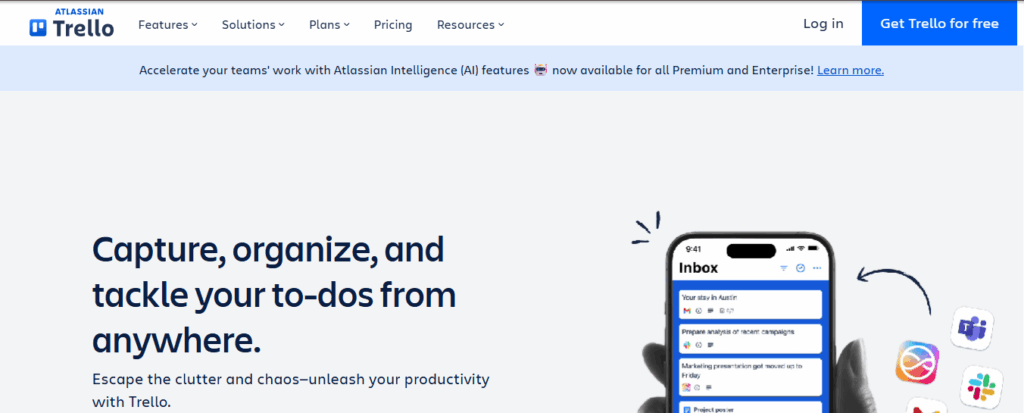
Trello is a Kanban-based project management tool that makes task tracking visual and intuitive.
Why it’s better than Notion:
Trello requires minimal setup. The drag-and-drop system makes project planning fast and clear.
Key Features:
- Boards, lists, and cards
- Due dates, reminders, and checklists
- Calendar and power-ups
- Team collaboration features
Ideal Use Case: Content planning, event organization, client projects.
Pricing: Free plan available; paid plans start at $5/user/month.
9. Slite
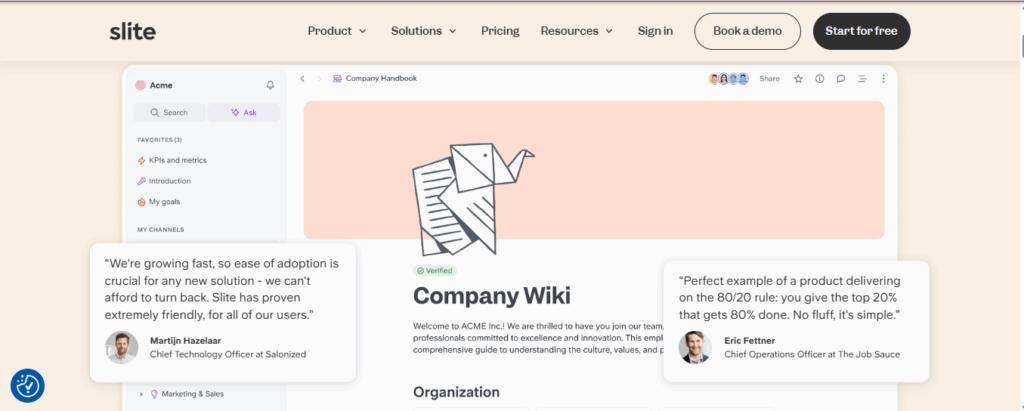
Slite is a knowledge-sharing and documentation platform designed for distributed teams.
Why it’s better than Notion:
Slite is easier to maintain than Notion. It focuses on writing and documentation, not building complex workspaces.
Key Features:
- Clean, distraction-free editor
- Team wikis with access control
- Threaded comments for collaboration
- Searchable company knowledge base
Ideal Use Case: Remote teams, startups, team documentation.
Pricing: Free for small teams; paid plans start at $8/user/month.
10. Anytype – Best for Privacy and Local Storage

Anytype is a local-first productivity app focused on privacy and user control.
Why it’s better than Notion:
It keeps all data offline and encrypted, giving users full sovereignty over their workspace.
Key Features:
- Object-based workspace
- Encrypted notes and tasks
- Offline-first design
- Visual, modular interface
Ideal Use Case: Activists, creatives, users concerned about digital privacy.
Pricing: Currently in open beta, pricing TBD.
Which Tool Works Best for Your Thinking Style?
Choosing a tool is often less about features and more about fit. Here’s how to decide based on how your brain works:
- Visual thinkers: Trello
- List lovers: Workflowy, Dynalist
- Writers & journalers: Obsidian, Bear
- AI-first users: Tana, Mem
- System builders: ClickUp, Coda
This angle is rarely discussed, but aligning your tool with your cognitive style can boost your productivity instantly.
Free Alternatives to Notion
If cost is your main concern, there are excellent free alternatives to Notion that provide reliable functionality without needing a paid plan. These tools are especially helpful for students, freelancers, or small teams working on a tight budget:
- Google Keep – A lightweight, simple note-taking tool ideal for quick reminders, lists, and capturing ideas on the go. It syncs seamlessly across devices.
- Obsidian – A free, open-source knowledge base built on plain-text Markdown files. Great for building a personal knowledge system without being locked into a single platform.
- Microsoft OneNote – A strong choice for students and professionals. Its free version integrates well with other Microsoft products and supports multimedia notes.
- Trello (Free Plan) – Offers visual project boards with drag-and-drop task management. The free plan is sufficient for smaller teams or personal project planning.
- Notion Free Plan Alternatives – While Notion itself has a free plan, these options provide different features that may suit users looking for simplicity or specialized workflows.
These free alternatives to Notion prove that you don’t need a subscription to organize tasks, notes, or projects effectively.
Mistakes to Avoid When Choosing a Notion Alternative
Before you jump ship, keep these mistakes in mind:
- Don’t chase hype: Just because it’s trending on Twitter doesn’t mean it suits you.
- Check export/import options: Some tools don’t play nicely with your Notion data.
- Consider mobile usability: Not all tools have great mobile apps.
- Free ≠ better: Some paid tools save more time than they cost.
- Beware of overkill: Don’t pick a powerful tool when you only need something simple.
Quick Comparison Table – Features at a Glance
| Tool | Best For | AI | Free Plan | Offline | Open Source |
|---|---|---|---|---|---|
| ClickUp | Teams, projects | Limited | Yes | Yes | No |
| Obsidian | Writing, research | No | Yes | Yes | No |
| Joplin | Privacy, devs | No | Yes | Yes | Yes |
| Tana | AI productivity | Yes | Yes | Yes | No |
| Trello | Task planning | No | Yes | Yes | No |
| OneNote | Students | No | Yes | Yes | No |
| Coda | Docs + collaboration | Limited | Yes | No | No |
| Evernote | Note-taking & archives | No | Yes | Yes | No |
| Slite | Team knowledge base | Limited | Yes | No | No |
| Anytype | Privacy-first workspace | No | Yes | Yes | Yes |
Open Source Alternatives to Notion
For users who prioritize privacy, transparency, and customization, open source alternatives to Notion are an excellent choice. These tools give you full control of your data and can be hosted on your own servers if needed.
- Obsidian – A Markdown-based system that lets you create a local knowledge base. Perfect for writers, researchers, and knowledge workers who want data stored locally.
- Joplin – A free, open-source note-taking app with support for Markdown, offline access, and end-to-end encryption. Ideal for privacy-conscious users.
- Outline – A modern open-source knowledge base designed for team collaboration. It’s especially appealing to startups and developers who want to self-host and customize their workspace.
- AppFlowy – A fast-growing Notion competitor that’s open source, flexible, and offers strong privacy protections. It allows teams to build a workspace on their own terms.
These open source alternatives to Notion are attractive to developers, teams, and privacy-focused professionals who don’t want to rely on a closed platform. They offer flexibility, customization, and the freedom to control your own data.
Final Thoughts
The best productivity tool depends on your workflow. For advanced project management, explore Asana vs Notion. If you prefer open-source Monday alternatives, Obsidian and Joplin are solid picks. Students and individuals can stick with free tools like OneNote or Google Keep.
Notion is powerful, but these competitors offer fresh opportunities in 2025. Choose one that fits your team, and watch your productivity grow.
Want more tools to help your business grow? Explore our Free Business Toolkit.
FAQs About Notion Alternatives
+
+
+
+
+