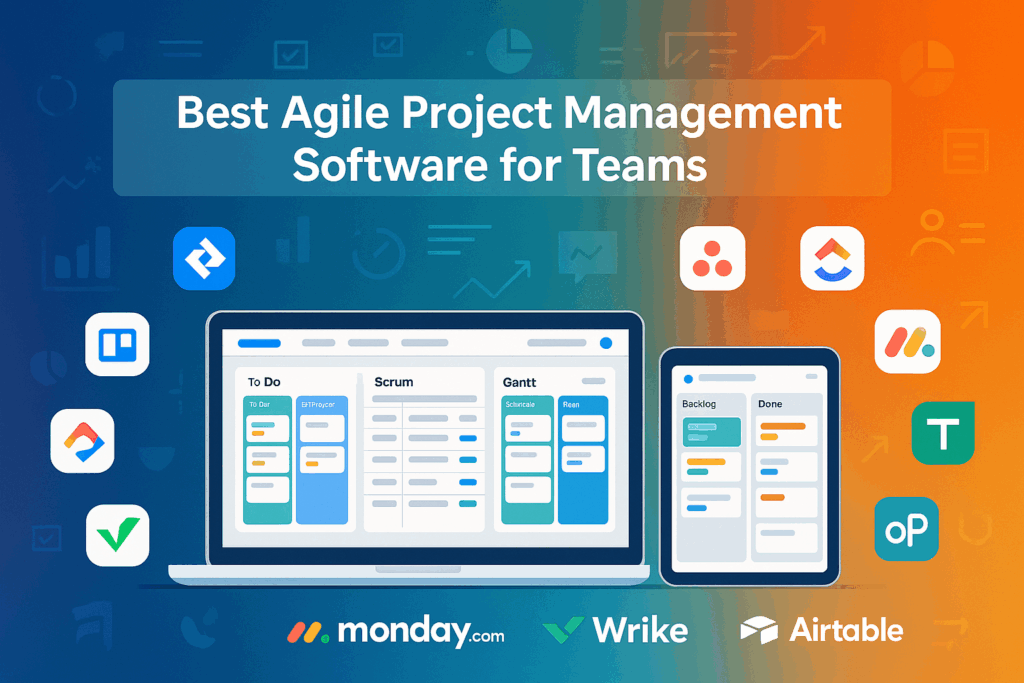
Agile project management has become a core practice for teams seeking flexibility, speed, and collaboration. In 2025, businesses will increasingly rely on the best agile project management software to streamline workflows, manage tasks, and improve team efficiency. Whether you’re in software development, marketing, or operations, choosing the right agile software tools is critical for achieving results without overhead.
This guide covers free, paid, and open-source solutions, helping teams of all sizes find the perfect fit. We’ll also compare features, pricing, and usability to help you make an informed decision.
What is Agile Project Management Software?
Agile project management software is a tool designed to support iterative, flexible project workflows. Unlike traditional project management, Agile software focuses on collaboration, continuous delivery, and responsiveness to change.
Key Benefits:
- Flexibility: Quickly adapt to changing priorities.
- Collaboration: Real-time updates for teams, remote or in-office.
- Transparency: Clear visibility of tasks, progress, and deadlines.
Difference from Traditional Tools:
Traditional tools often follow a linear process with fixed milestones. Agile tools support sprints, Kanban boards, and iterative planning. This makes them ideal for dynamic projects.
Key Features to Look for in Agile Project Management Tools
Before choosing software, consider the features that match your team’s workflow.
Must-Have Features:
- Task Boards: Scrum boards, Kanban boards, and Sprints for visual task management.
- Collaboration Tools: Real-time notifications, comments, and file sharing.
- Analytics & Reporting: Dashboards for tracking progress and performance.
- Automation: Workflow automation to reduce repetitive tasks.
- Integration: Connect with Slack, GitHub, or CRM tools.
- Free/Open-Source Options: Useful for startups and small teams.
Top 10 Best Agile Project Management Software for Teams 2025 – Quick List
Here’s a quick overview of the top 10 Agile project management software you should consider for 2025:
- Jira – Best for software development teams
- Trello – Best for visual task management
- Asana – Best for cross-functional teams & timelines
- ClickUp – Best all-in-one Agile software tool
- Monday.com – Best for scalable Agile project tracking
- Targetprocess – Focused on portfolio and enterprise Agile management
- Taiga (Open Source) – Free and open-source Agile management
- OpenProject (Open Source) – Open-source project tracking
- Airtable – Spreadsheet-driven Agile project management
- Wrike – Enterprise-level Agile management
Top 10 Best Agile Project Management Software for Teams 2025
1. Jira (Web, iOS, Android)

Jira is a comprehensive Agile project management software designed primarily for software development teams. It supports Scrum, Kanban, and hybrid Agile methodologies, allowing teams to plan, track, and release high-quality software efficiently.
Key Features: Scrum boards, Kanban boards, backlog management, sprint planning, reporting dashboards, workflow automation, GitHub and Slack integrations.
Pros:
- Highly customizable for complex workflows
- Advanced reporting and analytics
- Ideal for technical teams and software development
Cons:
- Steeper learning curve for non-technical users
- Some advanced features require premium plans
Jira remains the industry standard for software teams, particularly those running Agile at scale. Its extensive integrations make it suitable for both small and large enterprises.
Read Also: Jira Agile Project Management Guide for Teams 2025
2. Trello (Web, iOS, Android)
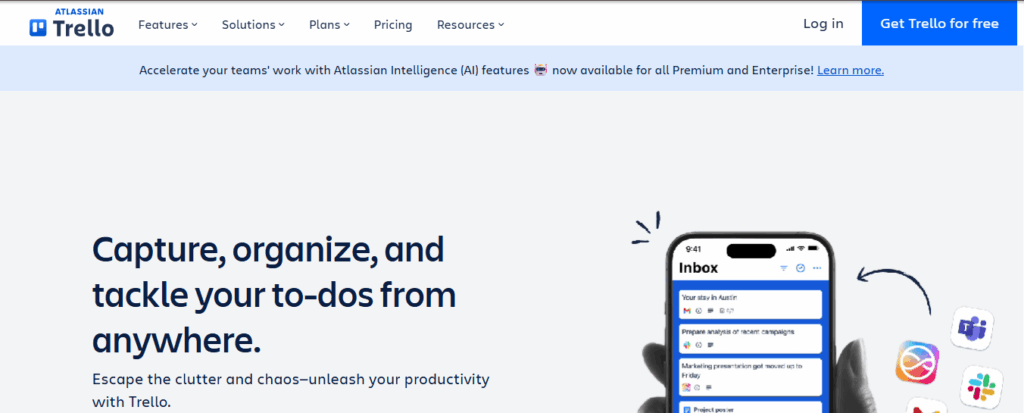
Trello is a visual task management tool using Kanban-style boards. It’s ideal for teams looking for simplicity and intuitive task tracking.
Key Features: Drag-and-drop Kanban boards, task cards, due dates, power-ups for third-party integrations, basic automation.
Pros:
- Easy to set up and use
- Highly visual interface
- Free plan available for small teams
Cons:
- Limited advanced reporting
- May lack scalability for larger enterprises
Trello is perfect for teams new to Agile or those needing a flexible visual overview of projects.
Read Also: Asana vs Trello: Which Project Tool Should You Choose?
3. Asana (Web, iOS, Android)
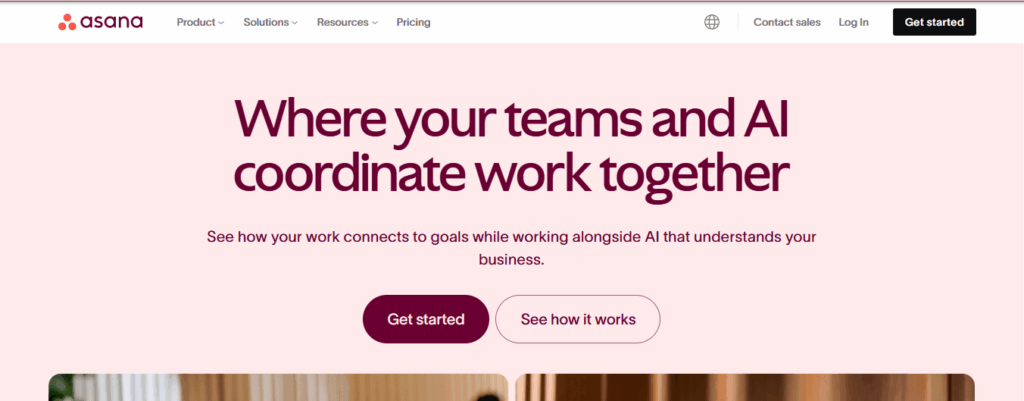
Asana is a task and project management platform supporting Agile teams with timelines, milestones, and project reporting. It suits cross-functional teams and non-technical users.
Key Features: Task assignment, milestones, project timelines, dashboards, integration with Slack, Google Drive, and Microsoft Teams.
Pros:
- Simple onboarding
- Clear visual timelines and task hierarchies
- Good for collaboration across departments
Cons:
- Limited customization in the free plan
- Advanced features require paid subscriptions
Asana balances usability and functionality, making it great for teams managing complex workflows without heavy technical overhead.
Read Also: Asana vs Notion: Best Project Management Tool 2025
4. ClickUp (Web, iOS, Android)
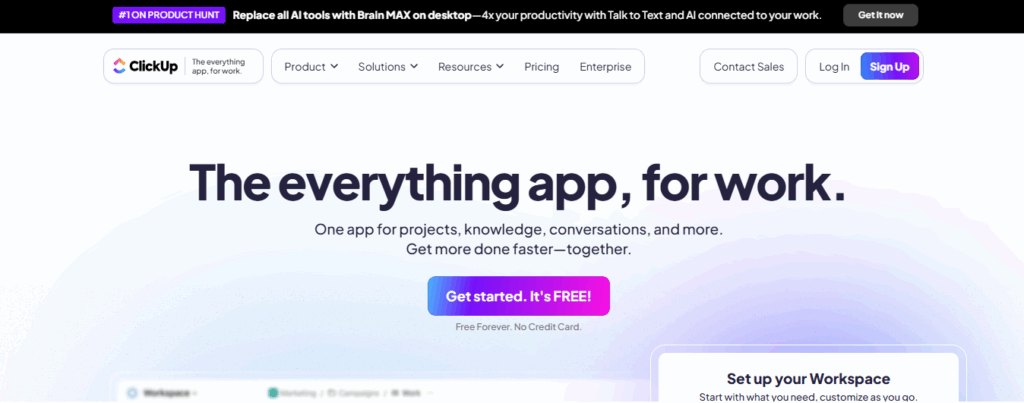
ClickUp is an all-in-one Agile software tool designed for task management, document collaboration, and automation. It’s highly flexible for teams of all sizes.
Key Features: Tasks, docs, dashboards, automation, goal tracking, integrations with GitHub, Slack, Zoom.
Pros:
- Comprehensive features in free plan
- Highly customizable dashboards and workflows
- Combines project management and documentation
Cons:
- Interface can feel overwhelming at first
- Learning curve for feature-rich environment
ClickUp is ideal for teams looking for a centralized hub for Agile management and team collaboration.
Read Also: Top 7 ClickUp Alternatives for Project Management
5. Monday.com (Web, iOS, Android)
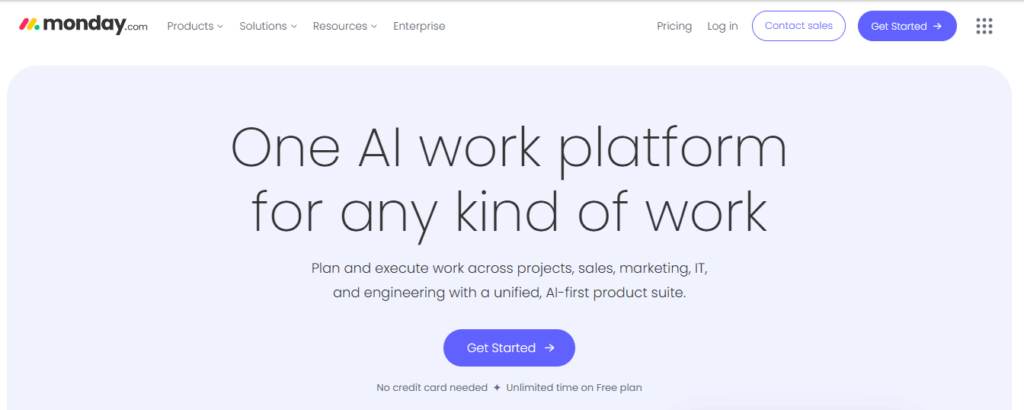
Monday.com offers a visual project management interface suitable for Agile workflows. It provides automation, templates, and scalable boards for teams of all sizes.
Key Features: Customizable boards, automation rules, templates, timelines, dashboards, workflow integrations.
Pros:
- Visual tracking and progress overview
- Easy team collaboration
- Flexible workflow customization
Cons:
- Limited free plan
- Paid plans required for advanced features
Monday.com is ideal for teams needing scalable Agile project tracking with visual boards and templates.
Read Also: Asana vs Monday: Which Project Tool Is Better in 2025
6. Targetprocess (Web, iOS, Android)
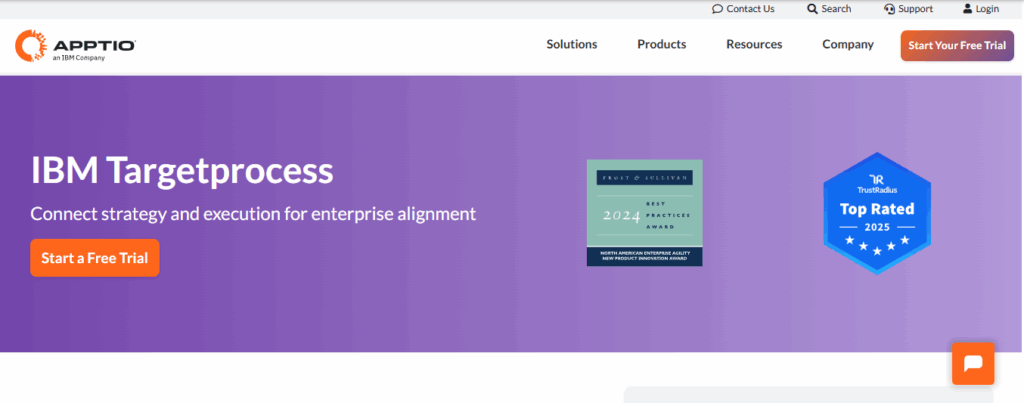
Targetprocess is an enterprise-focused Agile project management tool that supports portfolio-level planning and project visualization.
Key Features: Scrum & Kanban boards, project visualization, reporting, workflow automation, portfolio management.
Pros:
- Strong portfolio management for enterprises
- Flexible workflow configurations
- Comprehensive reporting
Cons:
- Complexity may overwhelm small teams
- No free plan available
Targetprocess is best for organizations managing multiple projects at scale with a focus on enterprise Agile practices.
7. Taiga (Open Source, Web, iOS, Android)
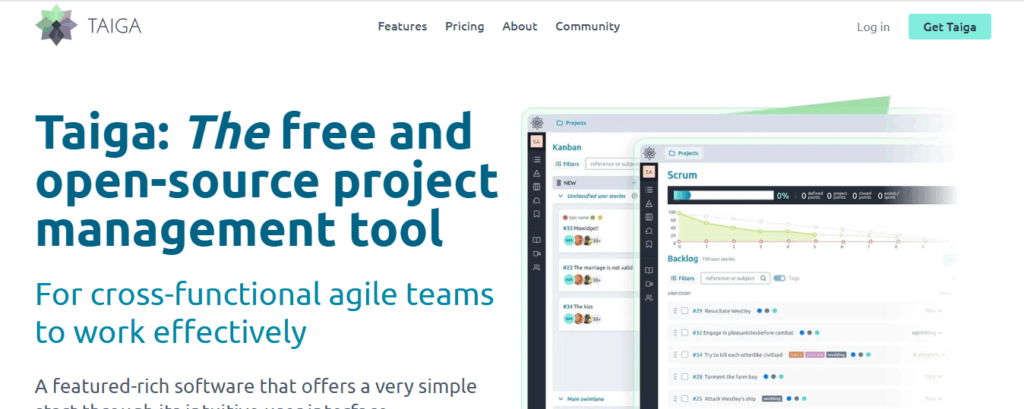
Taiga is an open-source Agile project management tool, ideal for small teams or developers seeking customizable workflows without high costs.
Key Features: Scrum and Kanban boards, backlog management, sprint planning, issue tracking.
Pros:
- Free and open-source
- Highly customizable
- Developer-friendly
Cons:
- Less modern UI compared to commercial tools
- Limited enterprise features
Taiga is perfect for tech-savvy teams looking for a free, developer-friendly Agile solution.
8. OpenProject (Open Source, Web)
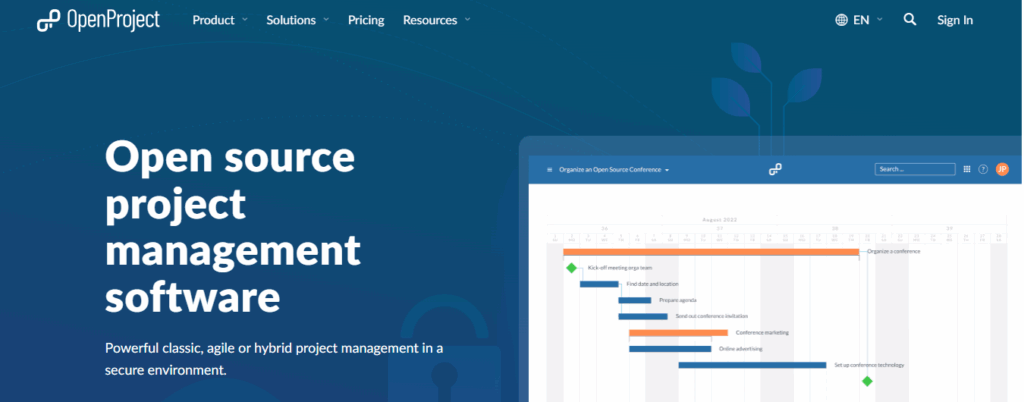
OpenProject is an open-source project management tool with a focus on privacy and collaboration. It supports Gantt charts, Agile boards, and team management.
Key Features: Task management, Gantt charts, Agile boards, time tracking, team collaboration.
Pros:
- Strong free plan
- Privacy-focused
- Supports both traditional and Agile project management
Cons:
- Self-hosting may require technical skills
- Interface may feel dated
OpenProject is ideal for organizations needing a secure, open-source Agile project management platform.
9. Airtable (Web, iOS, Android)
Airtable blends spreadsheet functionality with Agile project management. Teams can manage projects while using familiar spreadsheet views.
Key Features: Customizable views, task management, collaboration tools, and integrations.
Pros:
- Flexible spreadsheet-style interface
- Easy for teams familiar with Excel
- Collaboration-friendly
Cons:
- Paid plans needed for large teams
- Limited advanced Agile features
Airtable is suitable for teams transitioning from spreadsheets to Agile project management.
10. Wrike (Web, iOS, Android)
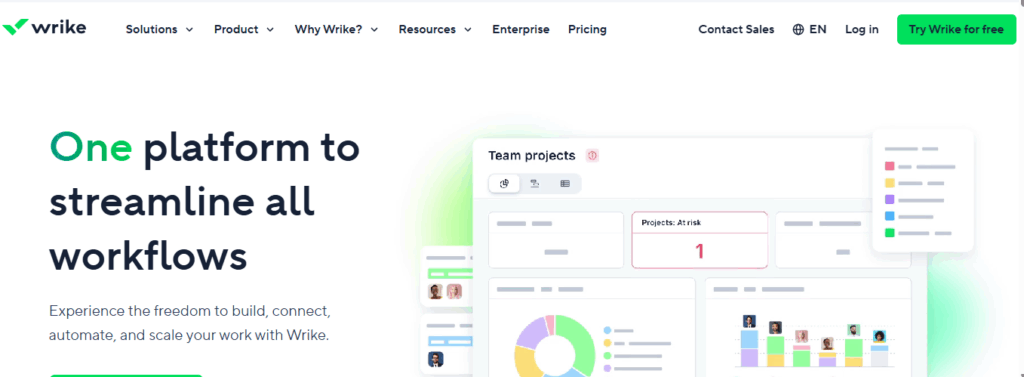
Wrike is an enterprise-level Agile project management tool offering workflow automation, reporting, and dashboards for large-scale teams.
Key Features: Workflow automation, task tracking, reporting dashboards, Gantt charts, time tracking.
Pros:
- Highly scalable
- Advanced reporting and dashboards
- Supports complex workflows
Cons:
- Can be complex for smaller teams
- Requires a learning curve for advanced features
Wrike excels for large teams needing detailed reporting, automation, and Agile project management at scale.
Comparison Table: Features, Pricing, and Free Plans
| Software | Best For | Free Plan | Pricing | Agile Features | Open Source |
| Jira | Dev Teams | Yes | Paid | Scrum, Kanban, Sprints | No |
| Trello | Visual Task Boards | Yes | Paid | Kanban, Power-ups | No |
| Asana | Cross-functional Teams | Yes | Paid | Tasks, Milestones | No |
| ClickUp | All-in-one Agile Tool | Yes | Paid | Tasks, Docs, Automation | No |
| Monday.com | Scalable Team Management | Limited | Paid | Boards, Automations | No |
| Targetprocess | Enterprise Portfolio | No | Paid | Scrum, Kanban, Reporting | No |
| Taiga | Open-source Agile | Yes | Free | Scrum, Kanban | Yes |
| OpenProject | Open-source Project Mgmt | Yes | Paid | Gantt Charts, Tasks | Yes |
| Airtable | Spreadsheet + PM | Limited | Paid | Views, Collaboration | No |
| Wrike | Enterprise Teams | Yes | Paid | Automation, Dashboards | No |
Open Source Agile Project Management Tools
For teams prioritizing cost-effectiveness and customization:
- Taiga – Scrum/Kanban with backlog tracking.
- OpenProject – Gantt charts, task management.
- Redmine – Flexible issue tracking.
- Kanboard – Simple Kanban project management.
Advantages:
- Customization to match team workflow
- Privacy-focused and self-hosted
- No licensing cost
Agile Software Development Tools Free
Small teams or startups can use these free Agile software development tools:
- Trello: Kanban boards and lightweight workflow.
- ClickUp: Comprehensive free plan for tasks, docs, and dashboards.
- Taiga: Open-source Scrum/Kanban.
- Jira Free: Up to 10 users, suitable for development projects.
How to Choose the Right Agile Project Management Software
Consider the following factors:
- Team size & project type: Small teams may prefer Trello, large enterprises benefit from Wrike.
- Budget: Evaluate free plans or open-source tools.
- Integrations: Check Slack, GitHub, CRM connections.
- Mobile usability & collaboration: Ensure tools support remote work.
- Open source vs paid: Open-source for privacy/customization, paid for advanced support.
Future of Agile Project Management Software
Agile project management tools are rapidly evolving to meet the demands of modern teams. Key trends shaping the future include:
- AI & Automation: Modern Agile software increasingly integrates AI to assist with task assignment, predict project bottlenecks, and automate reporting. These features help teams save time and improve productivity.
- Open-source Adoption: There’s a growing preference for open-source and self-hosted platforms like Taiga and OpenProject, giving teams greater flexibility, customization, and control over their data.
- Predictions for 2025: Expect enhanced integrations with tools like Slack, GitHub, and CRM systems, real-time collaboration features, and AI-driven insights that guide project decisions. These developments will make Agile workflows faster, smarter, and more adaptive.
For teams exploring AI integration in project management, check out How AI for Small Business Growth Can Help in 2025 for actionable strategies.
Conclusion
Choosing the best agile project management software depends on your team size, workflow, and budget. Small teams or those seeking simplicity may benefit most from Trello or Taiga, while enterprise-level teams will find Wrike or Jira more suitable.
For teams looking for an all-in-one solution, ClickUp offers robust features that combine task management, automation, and reporting.
You might want to explore related alternatives like Top 10 Best Monday Alternatives for Project Management or ClickUp Alternatives for Project Management to find the perfect fit. For teams comparing multiple tools, Asana vs Notion offers insights into which platform suits your needs best.
Start your free trial today to enhance your Agile workflow, streamline collaboration, and boost team productivity.
If you’re serious about leveling up your business, don’t just stop here. Grab our Business Toolkit for more powerful, proven tools to help you manage projects, grow your team, and hit your goals. Get the Business Toolkit
FAQs About Agile Project Management Software
+
+
+
+
+