
Disclaimers: Hey! Please note that this article on software tools for small businesses contains affiliate links to tools I genuinely recommend. If you purchase through these links, I may earn a small commission at no extra cost to you. This helps keep the site running and allows me to continue providing free, helpful content. I only recommend tools I’ve personally used or thoroughly researched.
When I first started my own small business, I quickly learned how important the right software tools needed for small businesses are to improving my workday and overall business performance. You really feel like you’re wearing ten hats, but the good news is—there are tons of business tools out there that help you manage all that.
It’s a great time to be an entrepreneur because software and resources are more accessible than ever. From accounting software to small business marketing tools, picking the best options at the right moment can truly make a huge difference.
Let’s dive into the software essentials that every small business owner should have in their digital toolbox.
2025 Update: Software Tools Needed For Small Businesses to Stay Competitive
As of 2025, small business owners need tools that are not only affordable and easy to use but also integrate seamlessly and scale with their growth. With AI, automation, and remote work becoming standard, choosing the right software tools for small business in 2025 is more important than ever.
Look for tools that:
- They are cloud-based and mobile-friendly
- Offer real-time collaboration and automation
- Can easily integrate (CRM + email + analytics, etc.)
- Provide strong data security and compliance
Tip: Start with versatile tools that have upgrade options. It prevents you from switching platforms as you grow.
1. Best Accounting Software for Small Businesses (Free & Paid)
Keeping your finances in order from day one sets your business up for success. I learned early on that manual tracking wastes time and invites errors.
That’s why using accounting software is a game-changer. It can automate recurring invoices, sort expenses, and offer instant insights into your cash flow.
My Expert Recommendation:
I went with QuickBooks when launching my first service. This robust tool saved me hours and gave me confidence during tax season.
Other Solid Options:
- FreshBooks –You might prefer FreshBooks if you’re a freelancer or service-based business. It’s intuitive, offers time-tracking, and handles project billing with ease.
- Xero – stands out with its multi-currency tools and smooth bank reconciliation — great if you run an international operation.
- Wave – For a budget-friendly start, try Wave. It’s totally free and ideal for solopreneurs, offering all the basic tools like invoicing and payroll.
Bottom line: Don’t leave your finances to guesswork—automate and monitor with the right tools from day one.
Accounting Software Tools Pricing Table
| Tool | Starting Price (Monthly) | Free Plan Available? |
| QuickBooks | $20 (Online Solopreneur Plan) | No |
| FreshBooks | $10.50 (Lite Plan, discounted) | No |
| Xero | $15 (Early Plan) | No |
| Wave | $0 (Starter Plan) | Yes |
2. Business Planning Software: Build and Refine Your Roadmap
Before marketing or building a website, you need a solid business plan. Planning software simplifies everything from creating executive summaries to projecting cash flow.
Why You Need It:
- Create investor-ready business plans
- Forecast financials based on real inputs
- Identify key performance metrics (KPIs)
- Use templates to speed up ideation
Best Tools:
- LivePlan – Best all-in-one platform for startups, with financial forecasting and step-by-step plan creation.
- Bizplan – User-friendly interface with guided sections to help you write as you go.
- Enloop – Auto-generated scoring system to test plan strength and show where to improve.
These tools are more than templates—they help you validate your ideas and avoid costly blind spots.
Tools Pricing Table
| Tool | Starting Price (Monthly) | Free Plan Available? |
| LivePlan | $20 | No |
| Bizplan | $19 | No |
| Enloop | $0 (Free basic plan) | Yes |
3. Website Builders for Small Businesses
If your business isn’t online, it’s invisible. Period.
Your website should be your digital storefront. These website builder software tools needed for small businesses let you create professional sites without writing code.
Why It Matters:
- Builds brand credibility and authority
- Attracts customers through SEO and content
- Serves as your 24/7 marketing and sales tool
Top Tools to Consider:
- Wix – Beginner-friendly with drag-and-drop design, ideal for portfolios, small shops, and services.
- WordPress – Ideal for flexibility, blogs, and SEO; endless plugin options and themes.
- Shopify – Tailored for e-commerce and product selling, with secure payment and shipping tools.
Pro Tip: I prefer WordPress with Elementor—it gives me full control over design and integrates with all major plugins.
Tools Pricing Table
| Tool | Starting Price (Monthly) | Free Plan Available? |
| Wix | $16 | Yes (limited features) |
| WordPress* | $4 (Basic plan on WordPress.com) | Yes (self-hosted WordPress.org is free but requires hosting) |
| Shopify | $25 | No |
4. Marketing & Social Media Tools to Small Business Marketing Software (Email, Social & Analytics)
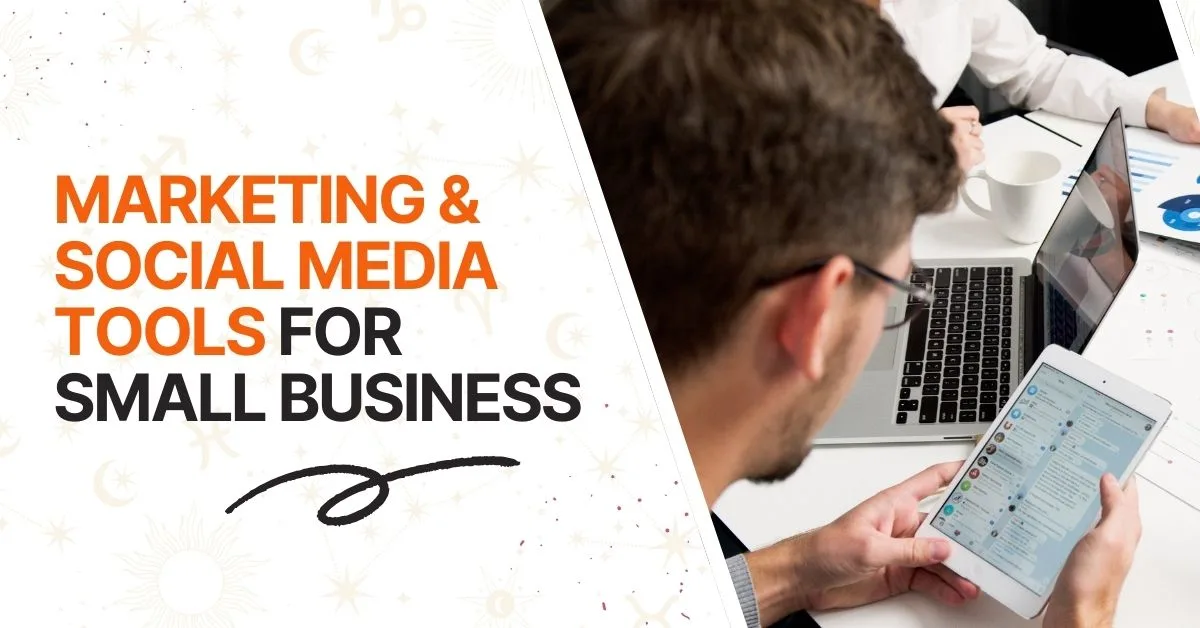
You could have the best product, but it means nothing if people don’t know about it. Marketing software tools needed for small businesses make it easier to connect with your audience at the right time.
Benefits of Marketing Software:
- Automate email campaigns based on user behavior
- Schedule posts across multiple social platforms
- Analyze engagement and optimize for better ROI
Must-Have Tools:
- Mailchimp – Build newsletters, autoresponders, and landing pages; great analytics for email marketing.
- Buffer or Later – Visual post planning and publishing for Instagram, Facebook, and LinkedIn.
- Google Analytics – Track site behavior and conversions to understand what’s working.
Tip: Pick tools that integrate with your website and CRM for a unified marketing approach.
Tools Pricing Table
| Tool | Starting Price (Monthly) | Free Plan Available? |
| Mailchimp | $13 | Yes (free up to 500 contacts) |
| Buffer | $6 | Yes (limited features) |
| Later | $15 | Yes (limited features) |
| Google Analytics | Free | Yes (completely free) |
5. CRM Software: Manage Leads and Build Relationships
As leads turn into customers, keeping track of every interaction becomes key. That’s where a good CRM comes in.
What CRM Software Does:
- Organizes customer profiles and past interactions
- Schedules follow-ups, emails, and tasks automatically
- Helps track deals, pipelines, and sales metrics
Best CRM Tools:
- HubSpot – Free plan and intuitive interface, ideal for beginners and scaling businesses.
- Zoho CRM – Highly customizable and scalable with workflow automation and AI assistance.
- Pipedrive – Great for sales-driven businesses with simple pipeline views and reporting.
Whether you’re B2B or B2C, a CRM can mean the difference between closing a deal or losing it.
Tools Pricing Table
| Tool | Starting Price (Monthly) | Free Plan Available? |
| HubSpot | $0 | Yes |
| Zoho CRM | $14 | Yes (limited features) |
| Pipedrive | $14.90 | No |
6. Project & Task Management Tools: Keep Everything on Track
Entrepreneurs wear many hats. Project management software tools needed for small businesses ensure nothing slips through the cracks.
What to Look For:
- Flexible views (Kanban, list, timeline)
- Easy delegation and progress tracking
- Time tracking and document attachment
Trusted Tools:
- Trello – Visual boards for tasks and deadlines, ideal for small teams and solo founders.
- Asana – Streamlines collaboration across departments with workflows and reporting.
- ClickUp – A powerful all-in-one solution for managing work, docs, and goals in one place.
These tools replace sticky notes and scattered spreadsheets, keeping you and your team aligned.
Tools Pricing Table
| Tool | Starting Price (Monthly) | Free Plan Available? |
| Trello | $5 | Yes |
| Asana | $10.99 | Yes |
| ClickUp | $7 | Yes |
7. Communication Software: Stay Connected Internally & Externally
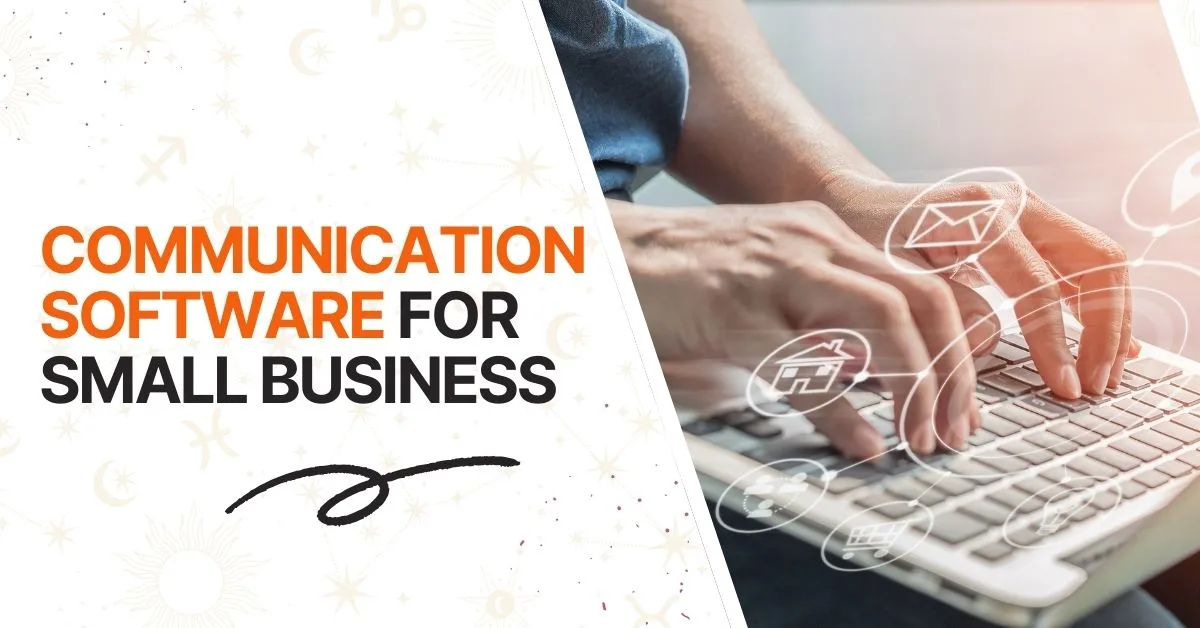
Team communication is crucial, especially in a remote or hybrid environment. These tools make collaboration seamless.
Best Features to Look For:
- Group messaging with file sharing
- Video calls with screen sharing
- Shared calendars and integration with task tools
Recommended Tools:
- Slack – Organize conversations by channels and projects, great for team productivity.
- Zoom – Reliable video conferencing for remote meetings and client calls.
- Google Workspace – All-in-one email, chat, docs, and meetings platform.
Internal alignment and external professionalism both depend on streamlined communication.
Tools Pricing Table
| Tool | Starting Price (Monthly) | Free Plan Available? |
| Slack | $7.25 | Yes |
| Zoom | $15.99 | Yes |
| Google Workspace | $6 | No |
8. Document & File Management: Organize & Collaborate Securely
Gone are the days of sending Excel files back and forth. Cloud-based file management saves time and confusion.
Essential Features:
- Real-time collaboration and sharing permissions
- Access from any device, anytime
- Secure backups with version history
Popular Solutions:
- Google Drive – Ideal for teams using Gmail and Docs; easy to share and collaborate.
- Dropbox – Strong sync capabilities and desktop integration for heavy file use.
- DocuSign – Legally binding e-signature solution for contracts and agreements.
Pro Tip: Set up folders by department or function early—it saves hours later.
Tools Pricing Table
| Tool | Starting Price (Monthly) | Free Plan Available? |
| Google Drive (via Workspace) | $6 (Google Workspace Starter) | No (but personal Google Drive is free) |
| Dropbox | $11.99 | Yes (Basic plan with 2 GB) |
| DocuSign | $10 | No |
9. HR & Payroll Software: Simplify Team Management
As your team grows, managing people and payments gets more complex. HR software simplifies everything from hiring to payroll.
What You’ll Need:
- Employee records and contract templates
- PTO requests and time tracking
- Payroll processing, tax filing, and benefits
Great HR Tools:
- Gusto – Top choice for small business payroll with modern HR tools and benefits management.
- BambooHR – Focused on employee experience with self-service options and reporting.
- ADP – Comprehensive and scalable for growing teams with robust compliance features.
These platforms also ensure compliance, essential if you don’t want penalties.
Tools Pricing Table
| Tool | Starting Price (Monthly) | Free Plan Available? |
| Gusto | $40 base + $6 per employee | No |
| BambooHR | $5.25 per employee (billed annually, approx.) | No |
| ADP | Custom pricing | No |
10. Tax Software: Stay Compliant and Save Money
Taxes are inevitable, but stress isn’t. Tax software keeps your records clean and your filings timely.
Features That Matter:
- Sync with accounting systems for data import
- Auto-detect deductions and industry-specific breaks
- File federal and state taxes from one place
Best Picks:
- TurboTax Business – Step-by-step guidance with a user-friendly interface.
- H&R Block – Known for personalized support and accessible plans.
- TaxSlayer – A cost-effective option for simple returns and self-employed users.
The right software can save you thousands while avoiding late fees.
Tools Pricing Table
| Tool | Starting Price (One-time) | Free Plan Available? |
| TurboTax Business | $129 (Business version) | No |
| H&R Block | $85 (Online Premium) | Yes (basic returns) |
| TaxSlayer | $0 (Simply Free edition) | Yes |
11. Cybersecurity & Backup Tools: Safeguard Your Business
Digital threats are real and growing. A single breach can cost thousands or destroy trust. Don’t risk it.
Must-Have Protection Tools:
- Norton Small Business – All-in-one device protection including firewalls and malware scans.
- LastPass – Store and share encrypted passwords safely with team members.
- Carbonite – Automate your data backups daily with cloud restore options.
Consider it an insurance policy for your digital assets.
Tools Pricing Table
| Tool | Starting Price (Monthly) | Free Plan Available? |
| Norton Small Business | $9.99 (per user) | No |
| LastPass | $4 (per user, Teams plan) | Yes (limited features for individuals) |
| Carbonite | $6 (per month, Basic plan) | No |
FAQs
What software does a small business need most?
Start with accounting, CRM, business planning, and a website builder.
Can I run a business with free software?
Yes! Many tools offer free tiers—perfect for startups on a budget.
What is the best software to run a small business?
QuickBooks, WordPress, HubSpot, and LivePlan are excellent picks.
Are there examples of business software I can try first?
Nearly all platforms offer free trials or demos.
What types of software do service-based businesses need most?
Scheduling, invoicing, CRM, and communication tools are key.
Final Thoughts: Choose Software That Grows with You
Launching a small business takes courage, and the right tools make the journey easier. From finance to marketing, CRM to planning, the software you choose will impact how fast and efficiently you grow.
Focus on value and usability. Start learning with tools that offer upgrades, and choose solutions that work together. Whether you’re running a local startup or building an online brand, these tools will help you succeed in 2025 and beyond.
Ready to streamline your small business operations? Start with our recommended starter pack: Wave (free accounting) + HubSpot (free CRM) + WordPress (free website). These three tools alone will save you 10+ hours per week.
What’s your biggest software challenge? Drop a comment below or contact our team for personal recommendations.