
Managing projects in 2025 requires tools that improve efficiency, streamline collaboration, and help teams stay focused. Two names often come up in this conversation: Asana and Notion. Both platforms serve millions of users and are frequently compared by entrepreneurs, startups, and enterprises.
The debate of Asana vs Notion continues because each tool offers strong features but serves different purposes. Some users prefer structured workflows, while others want flexibility and creativity. This makes the choice between Asana or Notion an important one for professionals at every level.
If you are wondering “Notion or Asana—Which should I choose for project management in 2025?” this guide will help.
Asana vs Notion: Quick Overview
Asana is a dedicated project management platform designed to help teams organize, track, and manage workflows efficiently.
Notion is an all-in-one workspace that blends note-taking, project management, and collaboration into a single customizable tool.
Asana vs Notion Comparison Table (2025 Edition)
| Feature | Asana | Notion |
|---|---|---|
| Purpose | Task & project management | All-in-one workspace (notes, docs, projects) |
| Ease of Use | Easy for beginners, structured workflows | Flexible but requires customization |
| Collaboration | Strong team & project collaboration | Good for documentation + light project tracking |
| Customization | Limited layouts, but structured | Highly customizable with templates & databases |
| Integrations | 200+ (Slack, Google Drive, Zoom, etc.) | Limited but growing integrations |
| Mobile/Desktop | Both available with advanced features | Both available, optimized for notes/docs |
| Free Plan | Yes – with task/project limits | Yes – with generous features |
| Paid Plans (2025) | From $10.99/user/month | From $8/user/month |
| Best For | Teams managing structured projects | Individuals & teams wanting flexibility |
What is Asana?
Asana was launched in 2012 by Dustin Moskovitz (co-founder of Facebook) and Justin Rosenstein. The purpose of Asana is simple: make teamwork effortless by providing a tool that replaces messy email threads and spreadsheets with a structured project management system.
Main Features for Project Management
Task & Project Tracking – create, assign, and monitor tasks easily.
Timelines & Gantt Charts – visualize project deadlines and dependencies.
Automation – automate routine workflows and reduce manual effort.
Team Collaboration – use comments, mentions, and file sharing for smooth communication.
Integrations – connect with Slack, Zoom, Dropbox, and other business apps.
Who Should Use Asana?
Asana is best suited for:
Small to large teams managing structured projects.
Remote teams needing clear task ownership and deadlines.
Agencies, software companies, and enterprises looking for reliable project tracking.
👉 In the Notion vs Asana debate, Asana clearly wins for complex project management.
What is Notion?
Notion was founded in 2016 by Ivan Zhao and Simon Last. Unlike traditional project management tools, Notion was designed as an all-in-one productivity hub, combining note-taking, document collaboration, and project tracking into one platform.
Main Features for Project Management & Note-Taking
Notes & Docs – organize meeting notes, company knowledge, and personal ideas.
Databases & Kanban Boards – manage projects with flexible layouts.
Custom Templates – build workflows for HR, marketing, design, or personal planning.
Team Wiki – create a central knowledge hub for teams.
Integrations & Embeds – connect with tools like Google Drive, Figma, and GitHub.
Who Should Use Notion?
Notion is ideal for:
Individuals & freelancers who want a personal productivity system.
Startups and small teams looking for flexibility over structure.
Writers, marketers, and creators who need docs + task management in one tool.
👉 In the Asana vs. Notion comparison, Notion is the winner if you value flexibility and documentation over strict project management. Ready to scale your business? Start with our Free Business Toolkit.
Asana vs Notion for Project Management
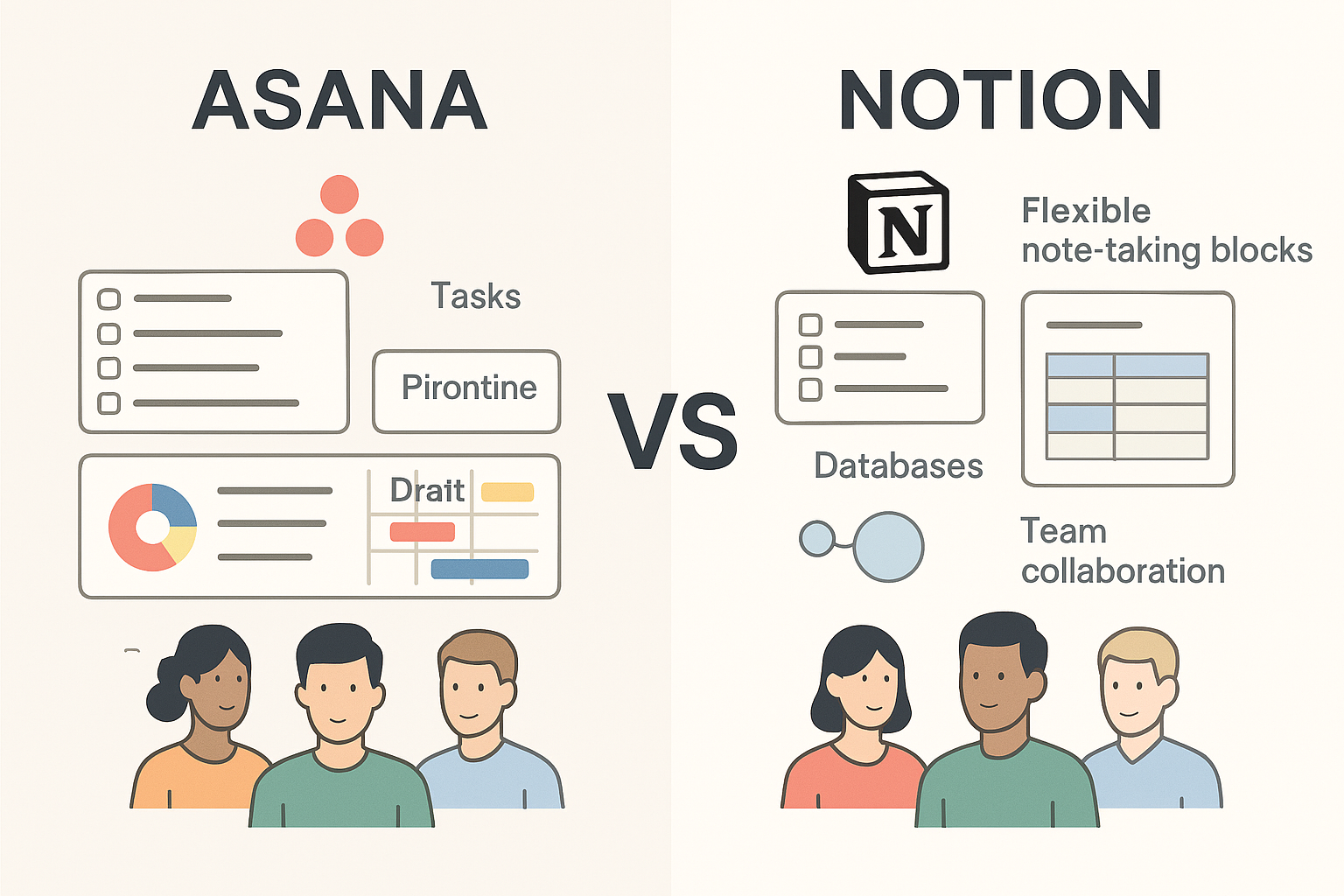
Task Management Comparison
Asana: Focuses on structured task management with lists, boards, timelines, and dependencies. Ideal for teams managing multiple projects at once.
Notion: More flexible, offering customizable pages and databases. Great for blending tasks with documentation but may lack advanced task dependency features.
Workflow Automation
Asana: Provides built-in automation (rules, triggers, task assignments). Works well for reducing repetitive manual work.
Notion: Limited native automation; relies heavily on integrations (Zapier, Make, etc.) for advanced workflows.
Project Tracking Dashboards
Asana: Strong visual dashboards with timelines, workload view, Gantt charts, and reporting tools.
Notion: Customizable dashboards, but project tracking depends on how well databases are set up. Less ready-made visualization compared to Asana.
Team Collaboration
Asana: Designed for team communication around tasks, with comments, attachments, and task ownership.
Notion: Collaboration is document-centered, allowing comments and mentions but not as advanced for structured project communication.
Head-to-Head Comparison: Asana vs Notion
Ease of Use
Asana: Offers a straightforward interface with tasks, boards, and timelines. New users can onboard quickly with little training.
Notion: Has a learning curve because of its high flexibility. Users must build or adapt templates to fit their needs.
Verdict: Asana is simpler for teams that need quick adoption. Notion appeals to users who want full control over design.
Project Management Features
Asana: Built specifically for project management. Features include task assignments, workload balancing, and progress tracking.
Notion: Includes project management but not as its primary focus. Projects are managed using custom-built databases and task lists.
Verdict: For Asana vs Notion for project management, Asana wins with more direct, purpose-built features.
Customization and Flexibility
Asana: Offers limited customization. Views and workflows are predefined, though integrations expand functionality.
Notion: Extremely customizable. Users can design their own systems, from project trackers to company handbooks.
Verdict: Notion is the clear choice for flexibility.
Pricing: Asana vs. Notion (2025)
Choosing between Asana or Notion often comes down to how much you’re willing to invest—and what features you need as your team or business grows. Here’s how their pricing models compare in 2025:
Plan Comparison Table
| Plan | Asana | Notion |
| Free | Up to 15 users, limited core features | Individual use, unlimited pages & blocks |
| Starter / Plus | $10.99 per user/month | $8 per user/month |
| Advanced / Business | $24.99 per user/month | $15 per user/month |
| Enterprise | Custom pricing with full admin capabilities | Custom pricing with SAML & security tools |
Best for Individuals vs Teams
Asana: Best for teams, especially medium to large organizations. Its structure scales well across departments.
Notion: Best for individuals, freelancers, and small teams who want one tool for multiple tasks.
Verdict: Choose Asana or Notion depending on whether you prioritize personal productivity or enterprise-level management.
Pros and Cons
Asana Pros
- Clear project management structure.
- Strong automation and reporting.
- Excellent for team collaboration.
- Scalable for large organizations.
Asana Cons
- Less customizable.
- Higher cost at scale.
- Can feel complex for smaller projects.
Notion Pros
- Highly flexible and customizable.
- Combines multiple tools into one.
- Affordable pricing.
- Strong knowledge base and documentation features.
Notion Cons
- Steeper learning curve.
- Project management features are not as strong as Asana’s.
- Performance can slow with large databases.
Looking for more project management tools? Explore our full Project Management Tools to compare top platforms, discover alternatives, and find the right fit for your team.
Use Cases: Who Should Choose Asana or Notion?
Entrepreneurs and Startups
Asana: Better for startups with teams that need structure and clear accountability.
Notion: Works well for early-stage entrepreneurs building workflows and managing varied tasks.
Small Businesses
Asana: Useful if you want to manage client projects with deadlines.
Notion: Ideal if you want flexibility for marketing, content, and internal documentation.
Large Enterprises
Asana: Best option for scaling across departments and integrating with existing enterprise tools.
Notion: May work as a supplementary tool for documentation, but not as the main project manager.
Students and Freelancers
Asana: Overkill for personal use.
Notion: Perfect for tracking assignments, projects, and personal goals.
So, which is better: Asana or Notion? It depends on your workflow and priorities.
User Experience (Asana or Notion – Which is Easier?)
UI/UX Comparison
Asana: Clean, task-focused interface with predefined structures (boards, lists, timelines).
Notion: Minimalist and flexible interface where users build their own layouts.
Learning Curve
Asana: Easier for beginners because of its straightforward project templates.
Notion: Steeper learning curve since users must design workflows from scratch.
Mobile & Desktop Usage
Asana: Fully functional across web, desktop, and mobile apps.
Notion: Mobile app sometimes feels less intuitive for complex databases, but works well for note-taking and quick edits.
Integration & Customization (Notion or Asana for Flexibility)
App Integrations
Asana: Integrates natively with Slack, Google Drive, Outlook, Zoom, and over 200 other apps.
Notion: Fewer native integrations; relies on third-party connectors (Zapier, Make).
API & Automation
Asana: Strong API with automation features for enterprise workflows.
Notion: API improving but still limited compared to Asana’s automation.
Customization
Asana: Custom fields, templates, and workflow rules available.
Notion: Extremely customizable with databases, templates, and flexible pages — ideal for creative teams.
Productivity & Workflow Efficiency
Boosting Productivity
Asana: Helps teams meet deadlines, track progress, and automate tasks.
Notion: Boosts productivity by merging tasks, wikis, and documents in one place.
Workflow Examples
Asana: Marketing campaign management, product launches, sprint planning.
Notion: Content calendars, team wikis, startup planning boards.
Best Industries
Asana: Enterprise-level organizations, agencies, IT teams.
Notion: Startups, freelancers, creative industries, education.
Final Verdict – Asana vs Notion in 2025
The Asana vs Notion debate doesn’t have a single clear winner. Both platforms shine in different areas and are designed for different types of users.
- Choose Asana if you need structured project management, task tracking, advanced reporting, and enterprise-level scalability.
- Choose Notion if you prefer flexibility, affordability, and an all-in-one workspace that adapts to your workflow.
In the Notion vs Asana discussion, the better choice depends on whether your team thrives on structure or prefers customization.
At the end of the day, the decision between Asana or Notion comes down to your needs. If structure and scalability matter most, Asana is your tool. If flexibility and creativity drive your workflow, Notion will serve you better.
Level up your workflows with our curated Free Business Toolkit — see all tools here.
💡 Pro Tip: Both tools offer free plans. Try them out with your team before committing and see which platform truly fits your style of work.
Looking for more comparisons? Check out our detailed guide on
to see how Asana performs against another top project management tool.